Editing & staging
The mutation commands — add, set, mv, rm, replace, and
format — share one lifecycle. By default they preview: the command runs
against the in-memory model and shows you the result, but nothing is written.
You choose what happens next with one of three flags:
| Flag | Effect |
|---|---|
| (none) | Preview only. Nothing is persisted. |
--save |
Persist the mutation to the source location immediately. |
--stage |
Record the mutation in the session's staging area. |
--save-to <path> |
Persist to a different path, leaving the source untouched (implies --save). |
Staging
Staging lets you build up a batch of edits and commit (or abandon) them as a unit — useful when a change only makes sense as a whole:
tx set "Sales[Total Sales]" --set expression="SUM(Sales[Amount])" --stage
tx mv "Sales/Old Name" "Sales/New Name" --stage
tx rm "Sales/Obsolete" --stage

tx stage            # show staged mutations for the active model
tx stage list       # all staged models in this session
tx stage commit     # promote staged mutations onto the source (and workspace mirror)
tx stage discard    # throw them away
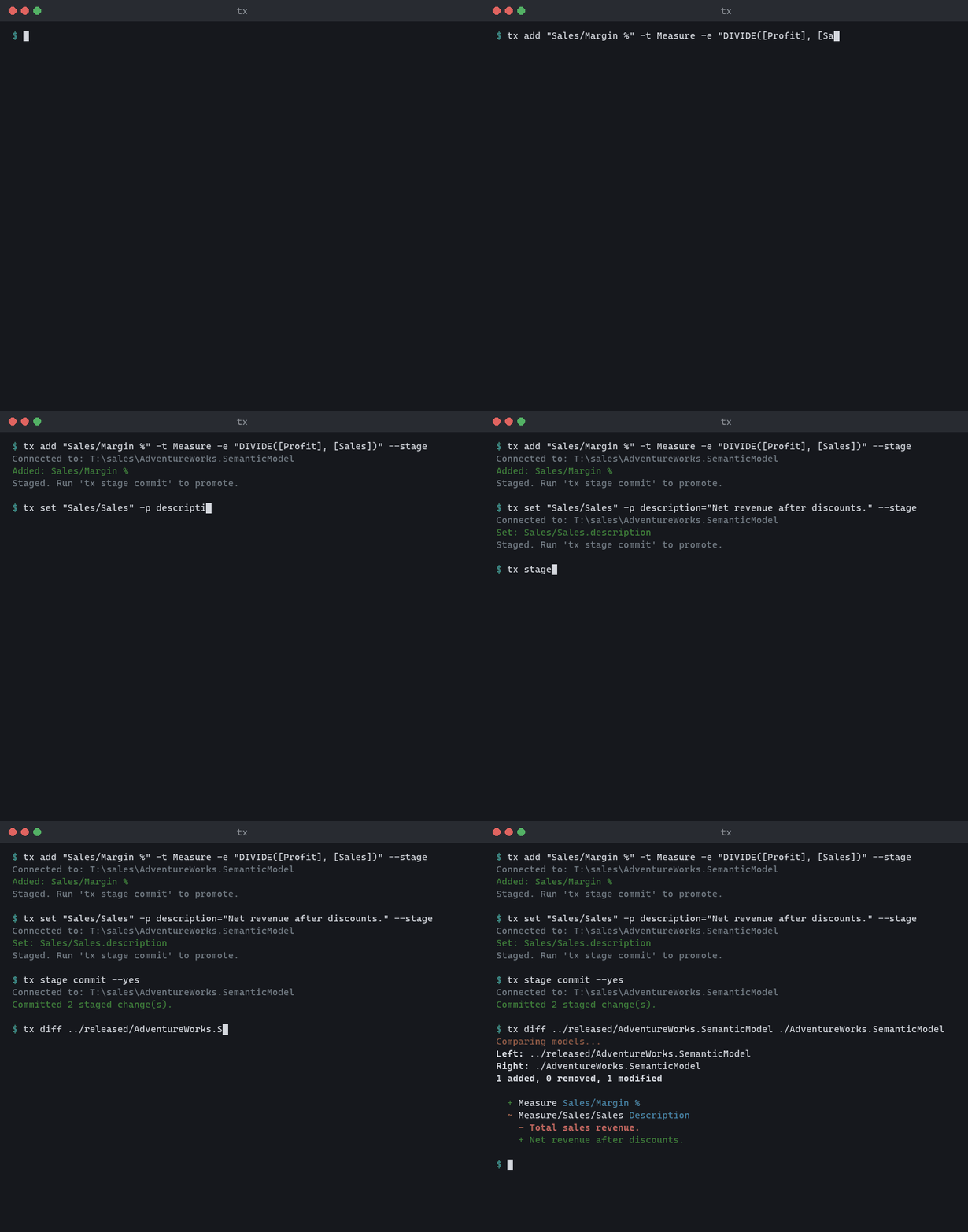
An individual staged mutation can be undone with --revert on the command
that created it.
Renames rewrite DAX
When you rename an object (mv, or set on Name), tx rewrites DAX
expressions that reference the old name automatically. That covers tables,
measures, columns, user-defined functions (call sites such as AddTax(...)),
and calendars ('Fiscal'), wherever the reference lives, including UDF bodies.
References that cannot be rewritten safely produce a warning listing the objects
to check. These are role RLS filter expressions, and 'Name' references when a
table and a calendar share the renamed name ('Name' could mean either, so it
may still resolve to the other object).
--strict-refs— fail instead of warning when a rename leaves references that were not rewritten.--no-fix-refs— don't rewrite anything; warn about every stale reference.
Removals are guarded
rm refuses to remove an object that is still referenced by DAX (including
UDF call sites and calendar arguments), and lists the referencing objects. --force removes it anyway and reports the
now-broken references. Structural references — relationships, sort-by
columns, hierarchy levels, perspective entries, role permissions — never
block; they are cascade-removed with the object.
Validation on save
Saves validate the resulting model; a mutation that introduces DAX validation
errors is rejected unless you pass --force. Exit codes and diagnostic codes
for the whole lifecycle are listed in the
error codes reference.
Bulk edits
replace applies a find-and-replace across the model (--dry-run to
preview), and format reformats DAX and M expressions: